Previously, in Part 10, the app learned to sit on a desk. Everything now works on the bench, and nothing is shippable: the Android build wears a debug signature, the Windows exe assumes a developer's machine, and CI has never heard of the Pocket project. This part fixes all three, writes down how, and — as every part of this season has — says out loud what it did not manage.
- Create the keystore once, outside the repo, with a fictional identity:
keytool -genkeypair ... -keystore .secrets/pocket-release.keystore - Publish a signed release with properties on the command line, never in the csproj:
dotnet publish -f net10.0-android -c Release -p:AndroidKeyStore=true ... - Verify with
apksigner verify --print-certs, uninstall the debug build, and run the release build on the emulator - Publish Windows self-contained and unpackaged with
-p:WindowsPackageType=None -p:WindowsAppSDKSelfContained=true -p:SelfContained=true, and no-r win-x64 - Record the MSIX result plainly: this series ships unpackaged, and Windows toasts stay open
- Add Android (Linux, Java 17, workload
maui-android) and Windows jobs to.github/workflows/ci.yml - Write
docs/pocket.md(hosts, secrets, signing, publishing, CI) and add a season-three table to the README - Compare with tag
pocket-11in the repo
The prompt: make it shippable, fake nothing
Verbatim from the commit in the
repo (tag pocket-11):
"Make it shippable. Android: a keystore created once outside the
repo with a fictional identity, and a release publish signed with
properties passed on the command line — never in the csproj — producing
the APK and the AAB; verify the signature with apksigner and run the
release build on the emulator. Windows: a self-contained, unpackaged
publish that runs with nothing installed, and an honest look at MSIX.
CI: build the Android app on Linux (workload + Java 17, no Firebase file)
and the Windows app on windows-latest, alongside the existing clinic
build-and-test. Write docs/pocket.md — hosts, secrets, signing, publishing
— and give the README a season-three table."
Notice "an honest look at MSIX" rather than "package it as MSIX." That clause was written knowing where it would probably end, and it's the reason this post can show you a real signed APK and a real self-contained folder without pretending the third artefact exists.
Model pick: Sonnet, medium effort. Signing, publishing and workflow YAML are toolchain plumbing with well-documented shapes. Opus for one decision only: what not to fake — whether to ship an MSIX that couldn't be installed, and whether to keep claiming Windows toasts were "nearly there." It said no to both.
Android: a key you make once, and never commit
A release APK is signed with a key that must be the same for every future update, which makes the keystore the single most valuable file the project will ever have — and the one that must never be in the repository. It's created once, outside the repo, with a made-up identity, exactly as the runbook now records it:
keytool -genkeypair -v -keystore .secrets/pocket-release.keystore -alias pocket \
        -keyalg RSA -keysize 2048 -validity 10000 -dname "CN=ClinicLive Demo, O=ClinicLive, C=ZZ"
C=ZZ is not a country; that's the point. The .secrets/ folder is
git-ignored, the password lives in a sibling file that is also ignored, and the publish
command references both without ever writing them down:
dotnet publish src/ClinicLive.Pocket -f net10.0-android -c Release \
  -p:AndroidKeyStore=true \
  -p:AndroidSigningKeyStore=$PWD/.secrets/pocket-release.keystore \
  -p:AndroidSigningKeyAlias=pocket \
  -p:AndroidSigningKeyPass=env:POCKET_KEY_PASS \
  -p:AndroidSigningStorePass=env:POCKET_STORE_PASS
The env: prefix tells the Android build to read the passwords from environment
variables, so they never appear in a shell history or a build log. And none of it is in the
.csproj, on principle: the project file is public and describes the code;
signing describes who is publishing, which is an input to a build, not a property
of the source. The same command runs unchanged in CI with the secrets injected from the CI
vault. Out came two files — com.cliniclive.pocket-Signed.apk at 33.8 MB for
sideloading and -Signed.aab at 33.3 MB for the Play Store — and
apksigner verify --print-certs reported the demo distinguished name. The
release build then went onto the emulator, after uninstalling the debug build first: two
builds with different signatures can't share a package name.
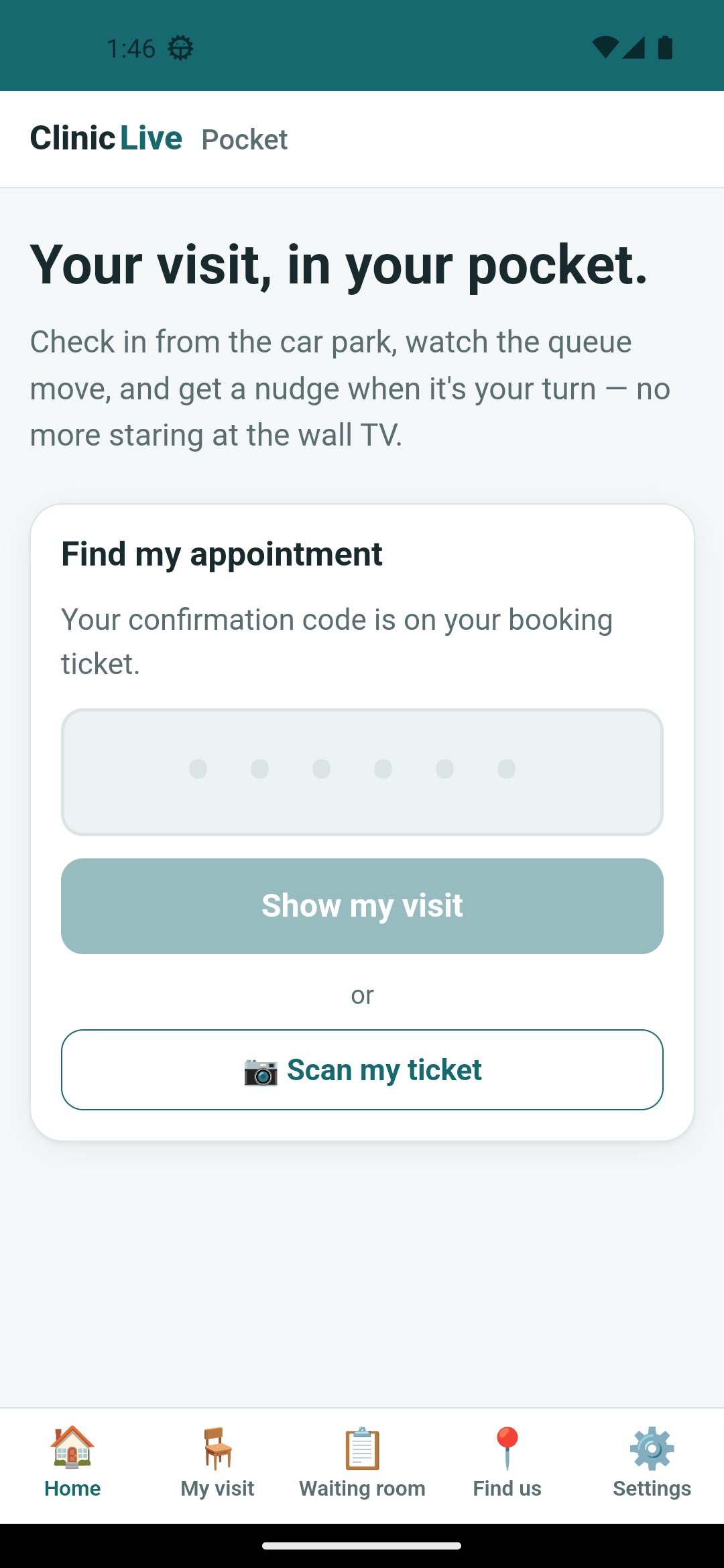
apksigner printed
and the fact that the app opened at all with the debug one gone — not anything in the
pixels.
Windows: a folder that runs anywhere
The Windows story splits in two, and the split is the honest part. First, the thing that works:
dotnet publish src/ClinicLive.Pocket -f net10.0-windows10.0.19041.0 -c Release \
  -p:WindowsPackageType=None -p:WindowsAppSDKSelfContained=true -p:SelfContained=true
That produced 643 files and 235 MB — a folder you can zip and hand to a receptionist, with
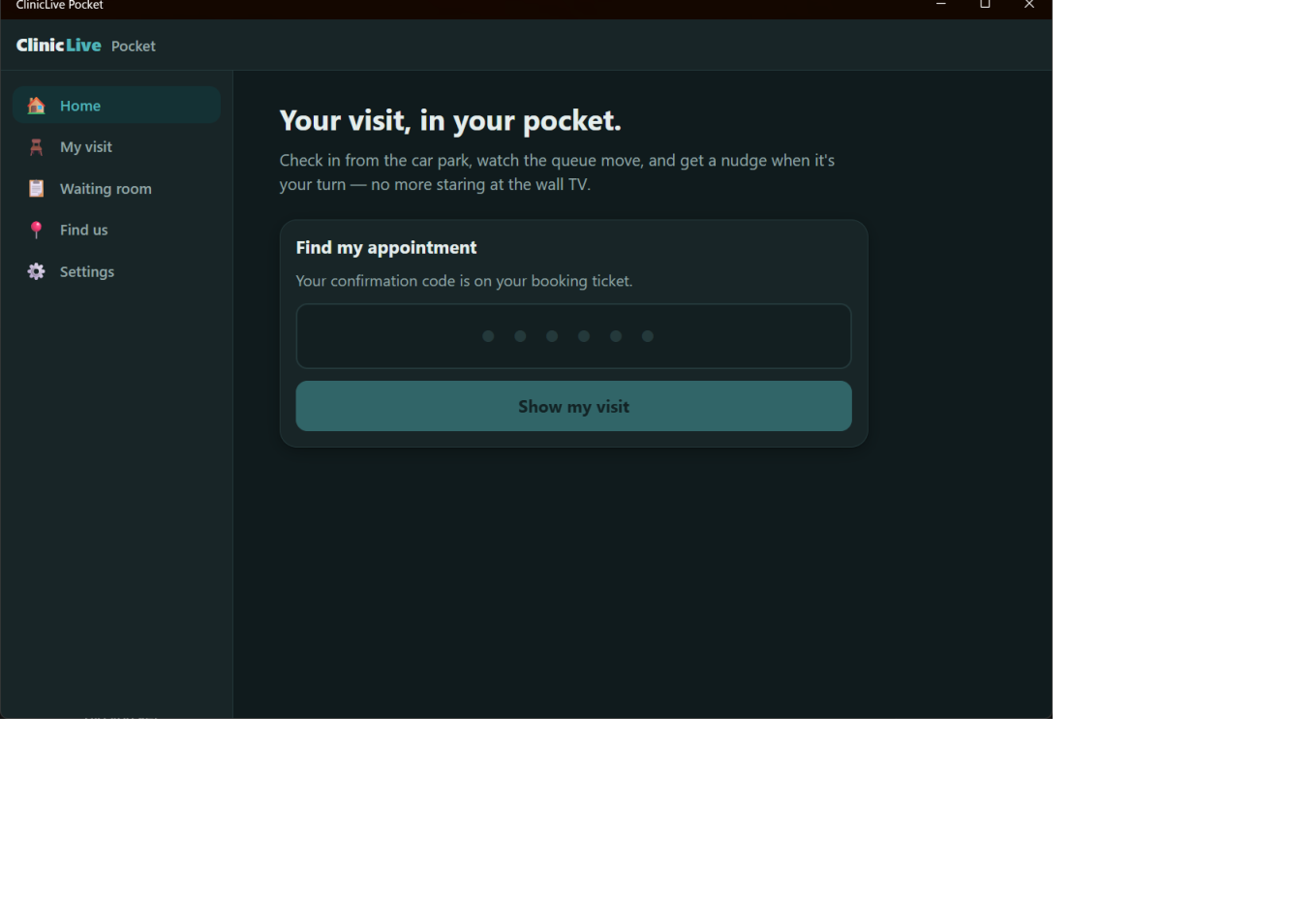
no .NET runtime and no Windows App SDK to install first. The published exe was launched from
that folder, and the running process's path confirmed it was the publish output and not the
debug build sitting next to it. What you don't type is -r win-x64, and the
catch below explains why.
Second, the thing that doesn't. Part
10 established that Windows toasts need an app identity, and MSIX packaging is how an
app gets one. So the MSIX build was tried, honestly: dotnet build with
WindowsPackageType=MSIX and GenerateAppxPackageOnBuild=true ran
to completion, reported success — and produced no sideloadable package anywhere outside
obj/, only the App SDK's own framework packages. Producing an installable MSIX
from the command line needs the packaging targets that Visual Studio's Package-and-Publish
wizard drives, plus a signing certificate the target machine trusts. Installing a
self-signed one means telling a Windows machine to trust a certificate you made up, and that
is not a step this series will demonstrate. So the season's answer is stated plainly:
packaged identity is the Store and toast path; this series ships unpackaged, and Windows
toasts stay open. The runbook says the same thing in the same words.
CI for three targets
Season one's workflow built the clinic and ran the tests on Ubuntu with a real PostgreSQL from Testcontainers. Two jobs join it:
# Season three: the phone app compiles on Linux — no Firebase file in CI means no
# push resources, which the csproj tolerates (the GoogleServicesJson item is
# conditional on the file existing).
build-pocket-android:
  runs-on: ubuntu-latest
  steps:
    - uses: actions/checkout@v4
    - uses: actions/setup-dotnet@v4
      with: { dotnet-version: 10.0.x }
    - uses: actions/setup-java@v4
      with: { distribution: temurin, java-version: '17' }
    - run: dotnet workload install android
    - run: dotnet build src/ClinicLive.Pocket -f net10.0-android --configuration Release

build-pocket-windows:
  runs-on: windows-latest
  steps:
    # …checkout, .NET 10…
    - run: dotnet workload install maui-windows
    - run: dotnet build src/ClinicLive.Pocket -f net10.0-windows10.0.19041.0 --configuration Release -p:WindowsPackageType=None
The Android job is the interesting one: a Linux runner has no Firebase configuration file, because that file is git-ignored on purpose. The build survives because Part 6 wired the file in conditionally:
<GoogleServicesJson Include="Platforms\Android\google-services.json"
                    Condition="Exists('Platforms\Android\google-services.json')" />
No file, no push resources, still compiles — a machine with the file gets Firebase, a
machine without gets an app that simply never registers a token, which is what
IPushRegistration answering null was designed for. One honest
timing note: at the moment the tag was cut, the workflow existed but hadn't run — CI runs on
the push, and the commit message says so.
Post-publication addendum — what the first real run did: the push that
published this season was that first run. The clinic's tests passed, the Windows job
passed, and the Android job failed before compiling a line:
NETSDK1147: To build this project, the following workloads must be installed:
            maui-android
. Look at the workflow above — it installs android, the
bare Android workload, and a MAUI project needs maui-android. A one-word
fix, committed on top of pocket-11 as
"CI: install maui-android, not android"; the re-run went green on all three
targets. The tag keeps the wrong word, because that is what shipped, and the lesson
belongs next to the code: a workflow that has never run is a hypothesis, however
reasonable it reads.
The runbook
The last deliverable is docs/pocket.md, because a companion app has more moving
parts than a web app and the next person to clone the repo shouldn't have to read eleven
posts. It's four short sections: how each host finds the clinic — the emulator's
10.0.2.2 versus a real phone needing your PC's LAN address, the server on
0.0.0.0 and a firewall rule; the two secret files, what each is for and where it
goes; the signing and publishing commands above; and CI. The README gained a season-three
table mapping pocket-02 through pocket-11 to their parts, the way
the earlier seasons' tags are mapped.
What the AI got wrong: three catches, and they share a shape. One: the
first Windows publish used -r win-x64, the idiomatic flag for a
self-contained app — and on a multi-target MAUI project the runtime identifier applies to
the restore for every target framework, so NuGet went looking for an Android
Mono runtime pack for win-x64 that doesn't exist (NU1102). Drop the flag;
the Windows target already defaults to win-x64. Two: the MSIX build "succeeded" and
produced nothing usable — success was the exit code, not the outcome. Three, the mirror
image: apksigner.bat returns a non-zero exit code after printing
the certificates, so the harness reported a verification that had succeeded as a
failure. Lesson of the part: an exit code is a claim, not a fact. Look in the output
folder; read the output; believe neither direction on its own.
The meter: ≈ $7.20 — season three's final reading. This part itself was proportionate; the two big dead ends of the season were earlier, the emulator's QR poster hunt in Part 8 and the Windows toast chase in Part 5. The retro has the whole bill.
Checkpoint: git checkout pocket-11 in
the repo: follow
docs/pocket.md to make your own demo keystore and the publish command
produces a signed APK and AAB you can verify with apksigner; the Windows
publish produces a folder that runs on a machine with nothing installed;
.github/workflows/ci.yml builds all three targets. 28 tests green — the same
28 as Part 8, because shipping changed nothing the tests can see.
Eleven parts, nine capability interfaces, three hosts, one signed build. The meter has stopped at $7.20 and it's time to look at everything at once: the gallery across phone, desk and browser, every 🤖 in one table, the three things the bench could not prove, and the question the whole season was really asking — Part 12: The Pocket Retro: What a Companion App Really Costs.