Previously, in Part 8, ClinicLive learned to announce its changes. This part teaches it to explain them — with motion. It's the last build part of the redesign, it contains the only JavaScript in the entire season, and the whole of that JavaScript fits in this post. Twice.
- Prompt with three rules: every animation explains a change, nothing over 400ms,
prefers-reduced-motionturns it all off - Confirm Part 2's global guard is still in
app.css:@media (prefers-reduced-motion: reduce) - Add
@keyframes rise-inand let@keyon the board's name and list items trigger it, with a 40ms stagger per row - Add
@keyframes pop-infor.kiosk-successand.ticket, rise-in for.chat-msg,scale(0.96)on.slot-btn:active - Add
clinic.jswithwindow.clinic.scrollToEnd, the only JavaScript in the redesign - In
Chat.razor, set_scrollPendingon a new message and callJS.InvokeVoidAsync("clinic.scrollToEnd", _log)inOnAfterRenderAsync - Test: board and staff queue side by side, call next, send a chat message, then repeat with reduce-motion on
- Compare with tag
polish-09in the repo
Three rules before the first keyframe
Motion is where redesigns go to die. Left to its own taste, an AI will happily fade in
every page, bounce every button and float every card — decoration that says "look, I can
animate" and nothing else. So this part opened with rules, not requests. The prompt,
verbatim from the polish-09 commit in
the companion repo:
"Motion pass, three rules: every animation must explain a CHANGE
(nothing decorative), nothing longer than 400ms, and prefers-reduced-motion
turns everything off. Blazor re-creates @key'd elements when their key
changes — use plain CSS entry animations as the update cue: the called name
rises in on the board, up-next restacks with a 40ms stagger, chat bubbles
slide in, the kiosk celebration and the booking ticket pop. One piece of JS
only: scroll the chat log to the newest message — clinic.js is eight lines
and that is the whole interop story."
The rules made it into the shipped stylesheet as a comment, where the next developer will actually meet them:
/* ---------- micro-interactions (Part 9) ----------
   Three rules: motion explains a CHANGE (never decoration), nothing moves
   longer than 400ms, and prefers-reduced-motion turns it all off (the
   global guard below handles that for free). Blazor's @key makes elements
   re-created on change, so a plain CSS entry animation IS the update cue. */
Rule one is the philosophy: on a live app, animation is information. A name that rises into the board says "this just changed" to someone who glanced away — that's the entire job. Rule two is the personality: 400 milliseconds is where "responsive" ends and "performing" begins, and a clinic is not a game. Rule three is the conscience — and notice the parenthesis: the global guard already exists, because Part 2 built it into the foundations. Eight parts later it covers every animation in this post for free:
/* motion discipline: none of this for people who asked for calm */
@media (prefers-reduced-motion: reduce) {
    *, *::before, *::after { transition: none !important; animation: none !important; }
    html { scroll-behavior: auto; }
}
The Blazor trick: @key as the animation trigger
Here's the centerpiece, and it costs zero JavaScript. When Blazor re-renders, its diffing is deliberately conservative: if an element is "the same one," Blazor updates its text in place. Efficient — and visually mute. The old name silently becomes the new name; nothing in the browser marks the moment.
@key changes the diff's mind. When an element's key changes, Blazor doesn't
patch it — it destroys the old element and creates a new one. And a freshly
created element runs its CSS entry animation, every time. Which means a plain
animation declaration becomes a change detector: same patient, no motion; new
patient, the name rises in. Part 6
planted the keys on the board for exactly this moment:
<p class="board-name" @key="serving.AppointmentId">@serving.DisplayName</p>

<ol class="board-list">
    @foreach (var item in _snapshot.Waiting.Take(5))
    {
        <li @key="item.AppointmentId">@item.DisplayName</li>
    }
</ol>
And the CSS side — one keyframe, one stagger:
@keyframes rise-in {
    from { opacity: 0; transform: translateY(0.35em); }
    to   { opacity: 1; transform: none; }
}

.board-name { animation: rise-in 400ms ease; }
.board-list li { animation: rise-in 300ms ease backwards; }
.board-list li:nth-child(2) { animation-delay: 40ms; }
.board-list li:nth-child(3) { animation-delay: 80ms; }
.board-list li:nth-child(4) { animation-delay: 120ms; }
.board-list li:nth-child(5) { animation-delay: 160ms; }
When reception calls the next patient, the queue's keys shift: the called name rises into the serving slot at a full 400ms — the board's one big gesture — and the up-next list restacks beneath it, each row 40ms behind the last. The stagger reads as "the queue moved up," which is precisely what happened. No timers, no JS interop, no CSS classes toggled from C#: the render diff is the trigger.
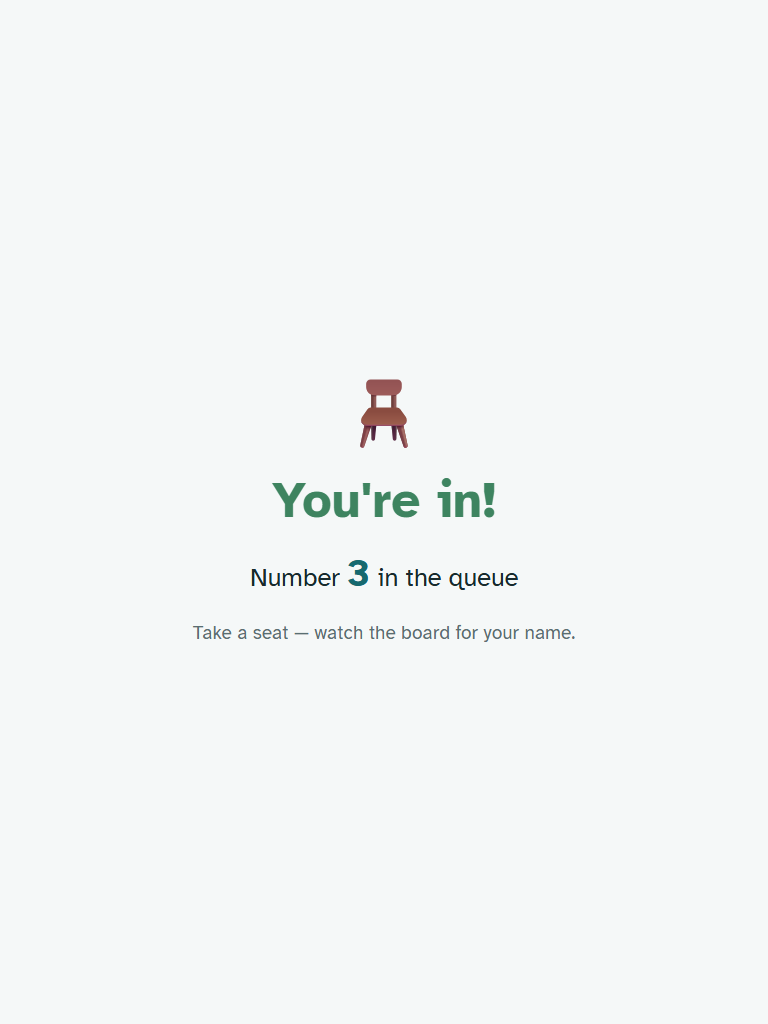
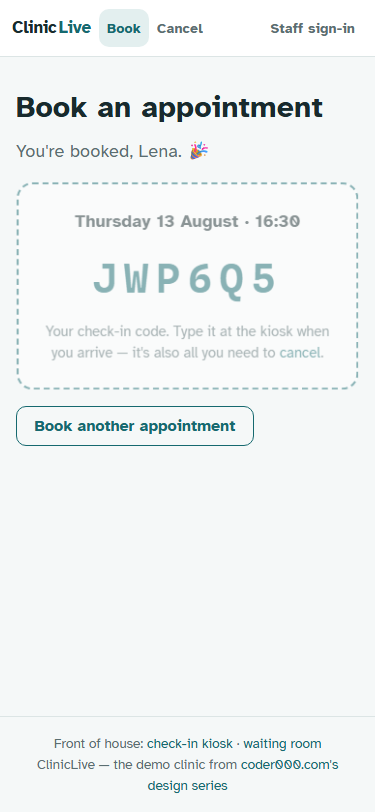
The same two keyframes cover the rest of the app. Chat bubbles (already keyed) rise in at 250ms; the kiosk celebration and the booking ticket pop with a little overshoot; a pressed slot chip compresses under your thumb:
@keyframes pop-in {
    0%   { opacity: 0; transform: scale(0.92); }
    70%  { transform: scale(1.03); }
    100% { opacity: 1; transform: none; }
}

.chat-msg { animation: rise-in 250ms ease; }
.kiosk-success { animation: pop-in 350ms ease; }
.ticket { animation: pop-in 350ms ease; }
.slot-btn:active { transform: scale(0.96); }
Every line answers "what changed?" — a message arrived, a check-in succeeded, a booking exists, a button felt your press. Nothing moves because it's pretty. That's rule one, enforced.
The one JavaScript exception
CSS can't do one thing this part needs: keep the chat scrolled to the newest message. A chat that doesn't follow its own conversation is a bug, not a feature — new bubbles animating in below the fold explain nothing to anyone. So the redesign gets its first and only JavaScript file, and here it is, whole:
// Tiny interop helpers — Part 9 of From Prompt to Polish.
// A chat that doesn't follow its own conversation is a bug, not a feature.
window.clinic = {
    scrollToEnd: (el) => {
        if (el) {
            el.scrollTop = el.scrollHeight;
        }
    },
};
The prompt demanded eight lines; with its comment header it landed at nine. We'll allow it. The smallness is the point: two seasons, ten redesign parts, four live surfaces — and the entire interop story is one function that sets one property. When someone tells you Blazor apps drown in JS glue, show them this file.
The Blazor side is the textbook OnAfterRenderAsync pattern from
Chat.razor — a flag raised when a message arrives, checked after the render
that painted it:
private ElementReference _log;
private bool _scrollPending;

private void OnMessage(ChatMessageView m) => _ = InvokeAsync(() =>
{
    _messages.Add(m);
    ...
    _scrollPending = true;
    StateHasChanged();
});

protected override async Task OnAfterRenderAsync(bool firstRender)
{
    if (firstRender || _scrollPending)
    {
        _scrollPending = false;
        await JS.InvokeVoidAsync("clinic.scrollToEnd", _log);
    }
}
Why the flag? Because the component re-renders for presence changes and typing indicators
too, and yanking the scroll position every time would fight a user who scrolled up to read
history. _scrollPending means the scroll happens exactly when a new message
rendered — and the timing matters: you can only scroll to a bubble after the
render that created it, which is precisely what OnAfterRenderAsync promises.
What a screenshot can't show
Here's the honest limit of a written series about motion: stills can't show it, and a
sequence of stills would lie about the easing. What you'll see at
polish-09 — and you should actually run it: board on one screen, staff queue
on another, call a patient and watch the name rise while the list restacks under it — is
the difference between a page that is updated and a page that visibly
became updated. Then flip on reduced motion in your OS settings and watch the
entire vocabulary fall silent, instantly, because of a guard written seven parts before
any of these animations existed.
Model pick: Sonnet, medium — with the three rules fixed, this is
execution against a settled system, and the @key mechanics are
well-documented Blazor behavior. The thinking in this part lives in the rules
themselves, and those are a policy decision, not a model output.
What the AI got wrong: nothing it shipped — because the prompt left no room. Ask an unconstrained model for "some animations" and you'll get the decorative kind: page-load fades, hover lifts, a pulsing call-to-action. Motion is where AI design defaults are at their sloppiest, and "every animation must explain a change" is the leash. The rules aren't there because motion is hard; they're there because the model's taste in motion can't be trusted without them.
The meter: ≈ $3.60 — and that's the final build
reading of the season, because Part 10 is the retro. Worth a line here, kept for a
full postscript next time: all nine tests from season one are still green at
polish-09. The redesign touched every page and broke nothing it could
measure.
Checkpoint: git checkout polish-09, open the board and
the staff queue side by side, and call the next patient. You should see the rise-in
and the 40ms restack. Send a chat message and watch the log follow it. Then enable
your OS's reduce-motion setting, do it all again, and confirm the app goes completely,
deliberately still.
The redesign is finished. Ten parts ago ClinicLive worked but looked like a template; today it announces, explains, and behaves like something a clinic would actually hang on its wall. All that's left is the accounting: the full before/after gallery, the meter with its methodology shown, every design mistake from ten parts in one table — and an honest answer to where human taste stayed irreplaceable. Part 10: the polish retro — what a redesign really costs.